Every place you have stood, on one map.
Oqio keeps your 360° panoramas as a private atlas. Import from Photos, land each sphere on the spot it was shot, and step back inside it whenever you want.

Universal purchase · iPhone, iPad and Mac
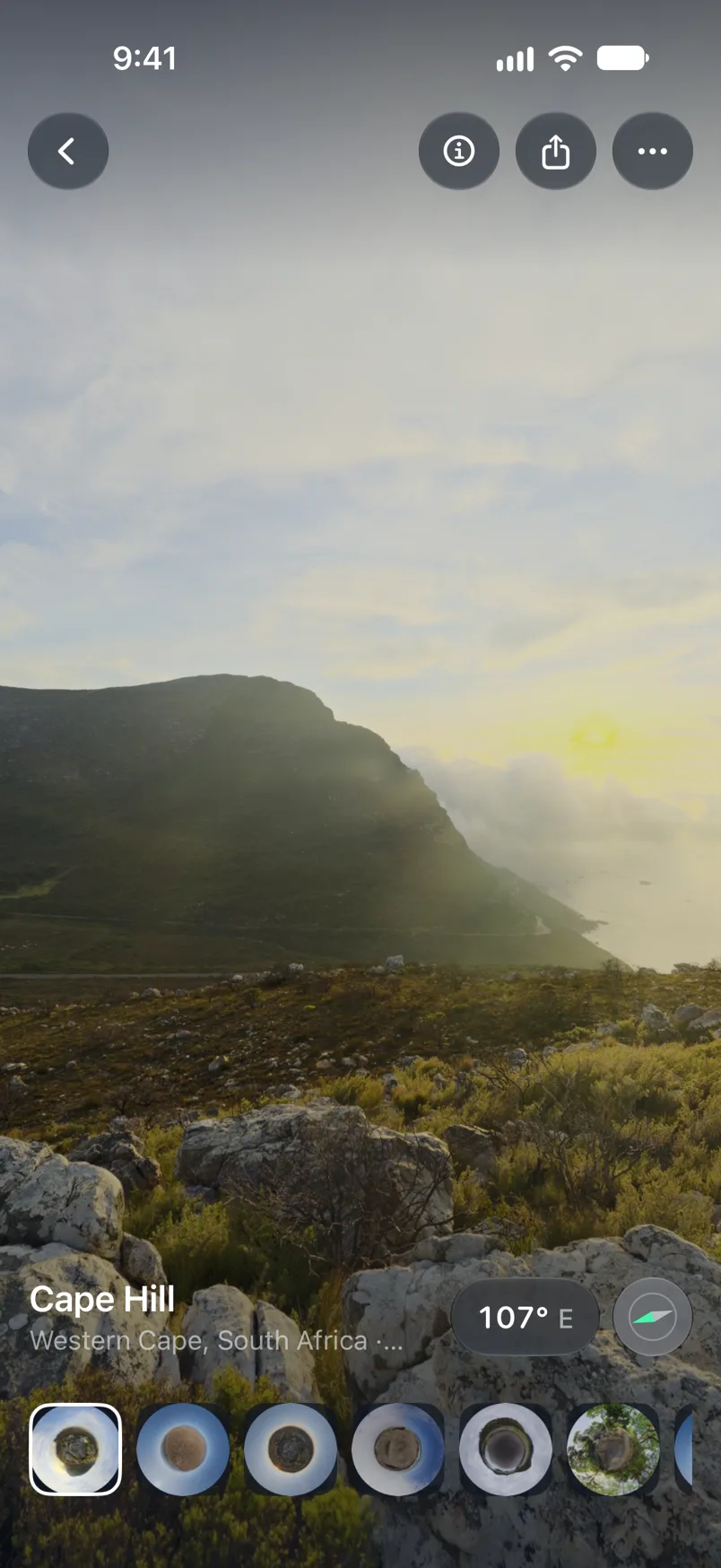
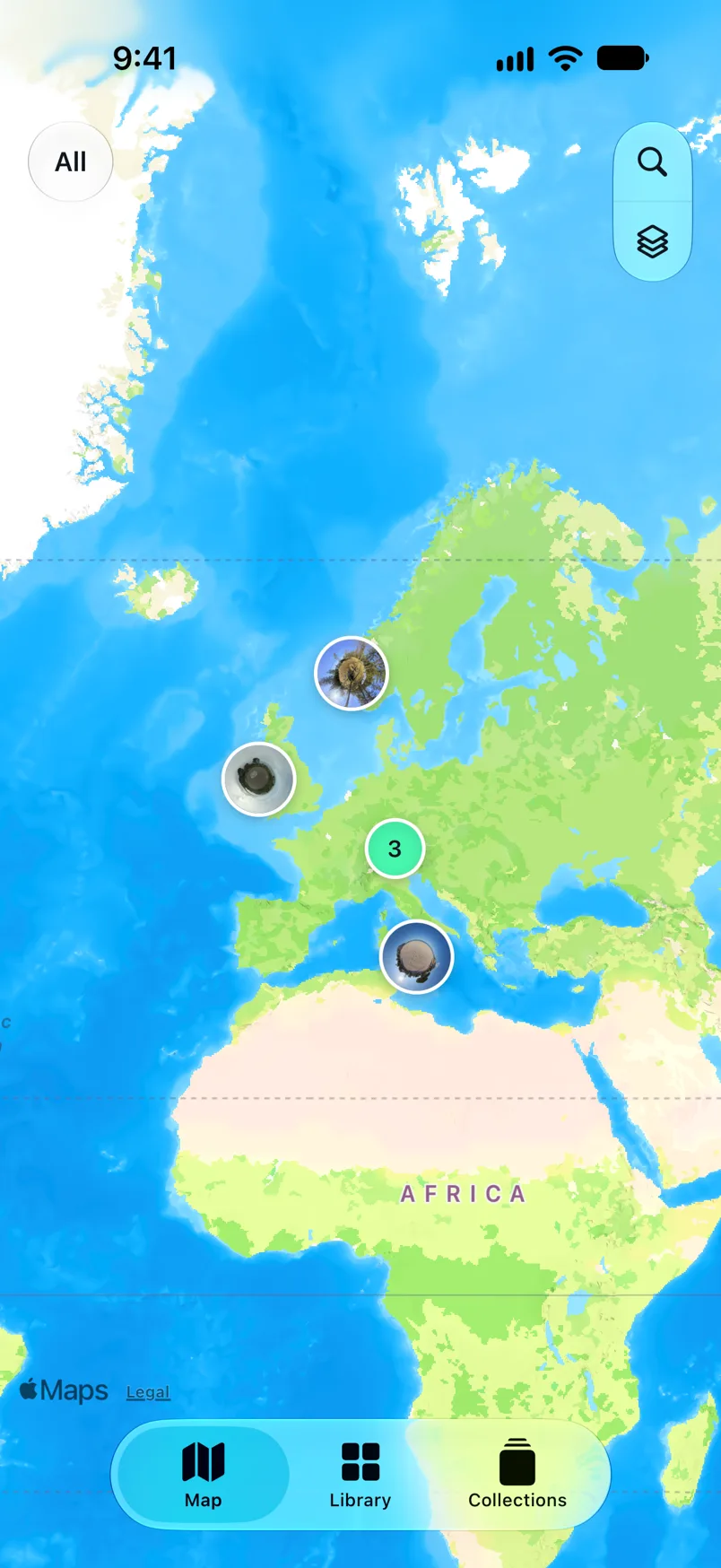
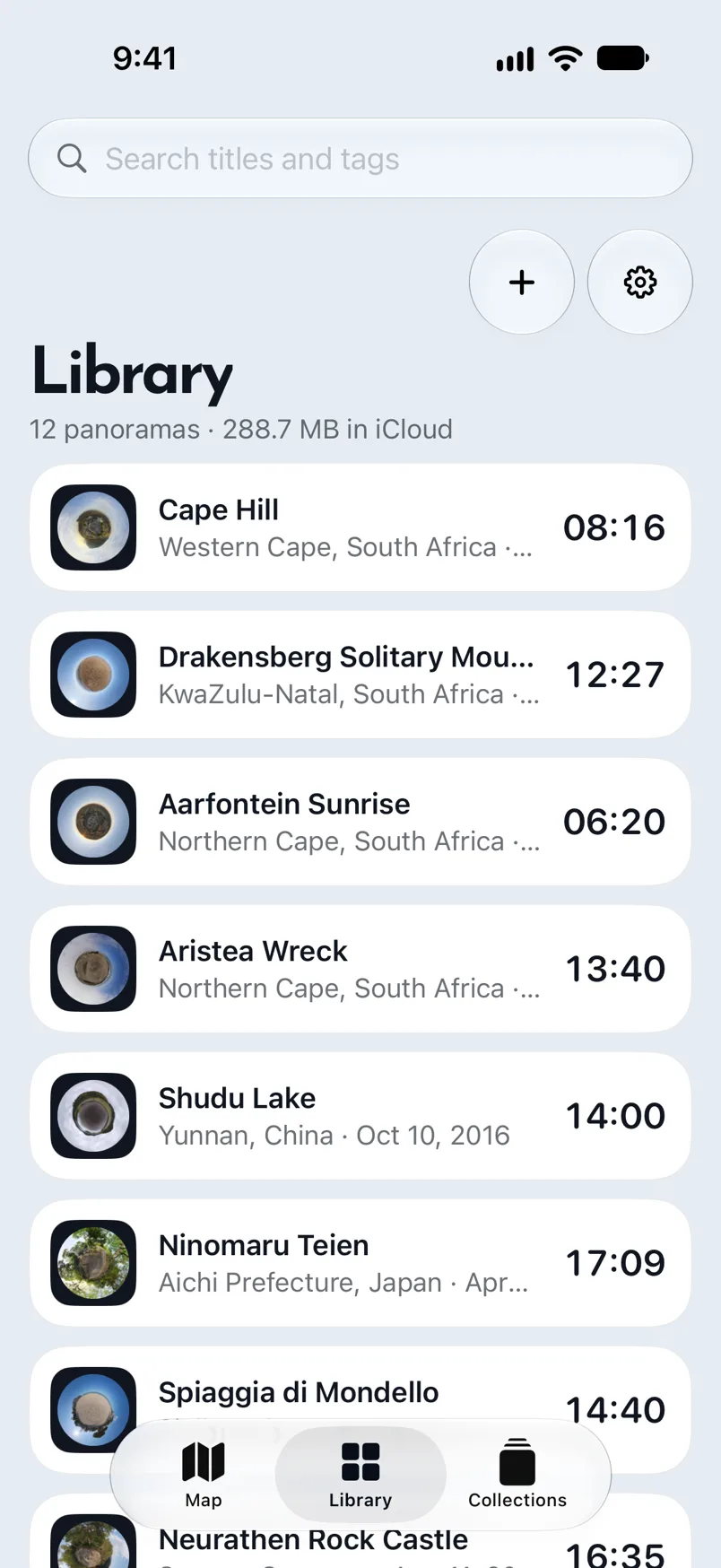
A map that fills in as you travel.
Each import reads its own coordinates and drops a little-planet pin. Zoom out to see years of shooting at once; zoom in and clusters open into single spheres.
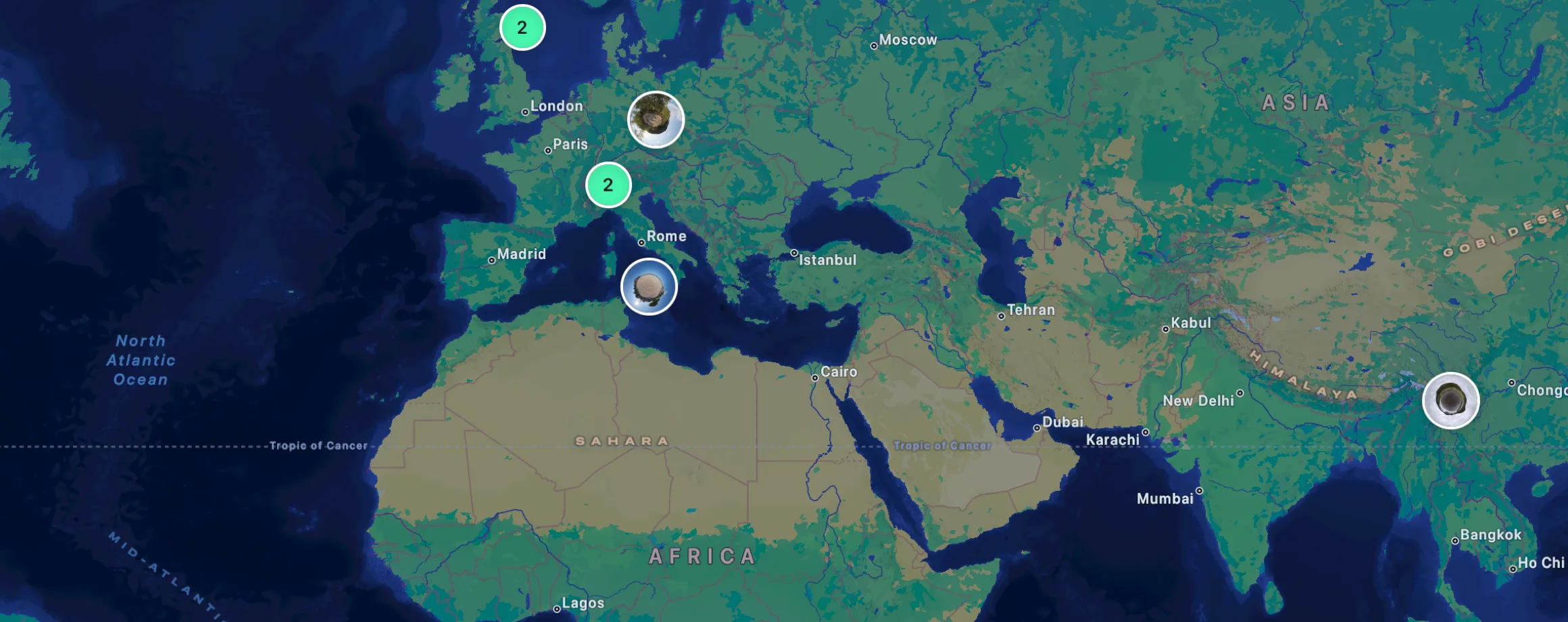
Map: Apple Maps
Import from Photos
Pick any equirectangular file and Oqio reads its size, capture time and coordinates before you confirm.
Placed automatically
GPS from the file puts the sphere on the map. No coordinates in the file? Drop the pin yourself.
Grouped into trips
Collections hold an ordered run of spheres, mapped in order with the route's length, so a three-day ride reads as one piece.
The viewer
Stand back inside the shot.
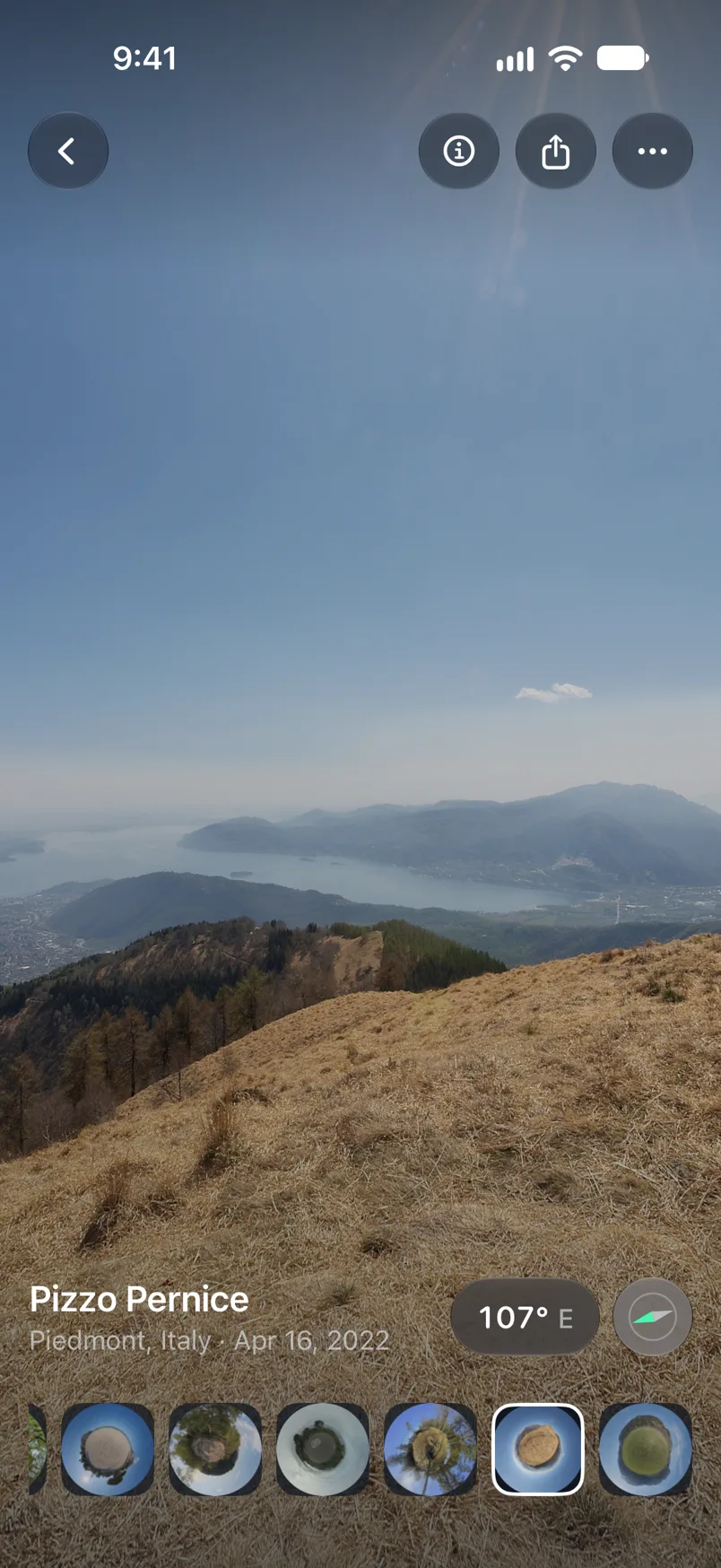
Full-sphere playback with gyroscope pan, so turning the phone turns the view. Controls are Liquid Glass and fade after three seconds, leaving nothing between you and the image.
16K
On Mac
8K
On iPhone
3 s
Controls fade
iPad and Mac
One library, three screens.
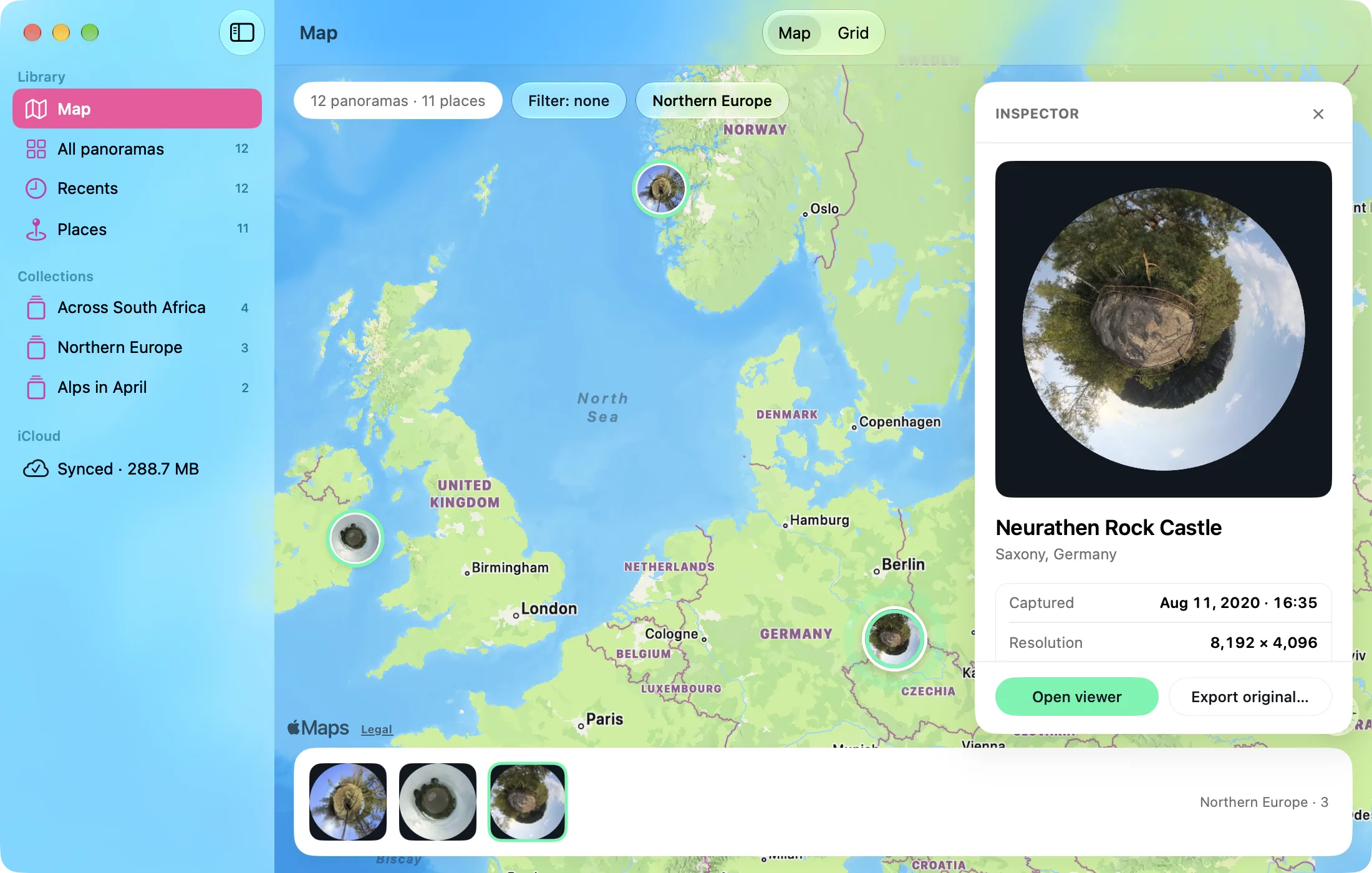
The same private iCloud library opens on every device you own. On a bigger screen it gains an inspector, so the map, the sequence and the metadata are all visible while you sort a trip.
Drag straight in
Drop equirectangular files from Finder or Files onto Oqio and the import sheet reads their coordinates before you add them.
The inspector beside the map
Select a pin and its details sit beside the map: capture time, camera, resolution, coordinates and every field the file carries. Edit, re-pin or add it to a collection without leaving the page.
Bought once
Universal purchase across iPhone, iPad and Mac, with the library synced by your own iCloud account.
No account. No server. Nothing to share.
Oqio has no sign-up screen because there is nothing to sign up to. Your library lives in your own iCloud private database, synced across your devices and readable by you alone.
No registration
The app opens straight into your library. There is no email, password or profile anywhere in Oqio.
Your iCloud, not ours
Panoramas and metadata are written to your private CloudKit database. We operate no backend that could read them.
Apple, and no one else
Your library lives in your own iCloud. MapKit sees a pin's coordinates to name the place. A location you removed never travels with a copy you share.